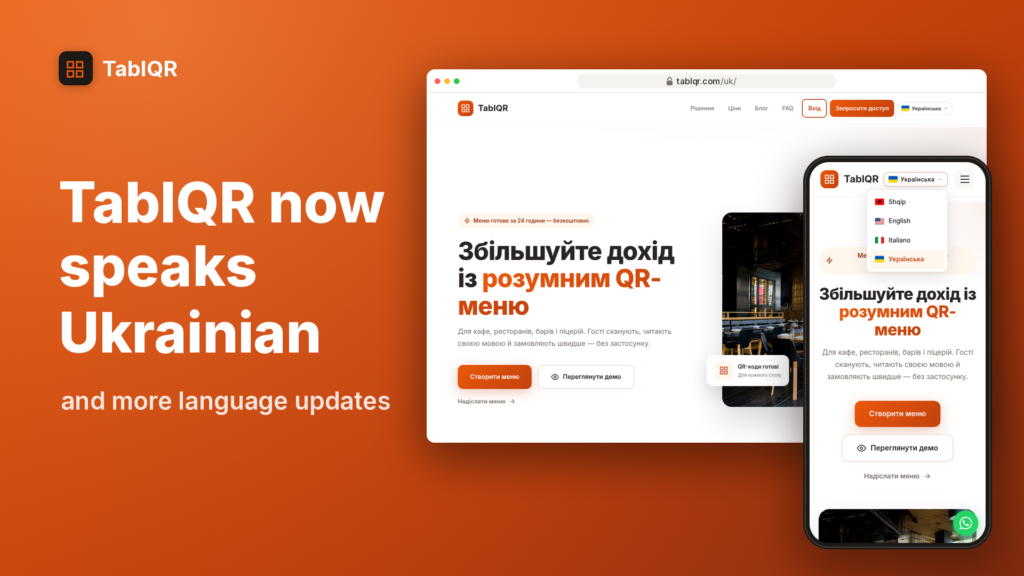
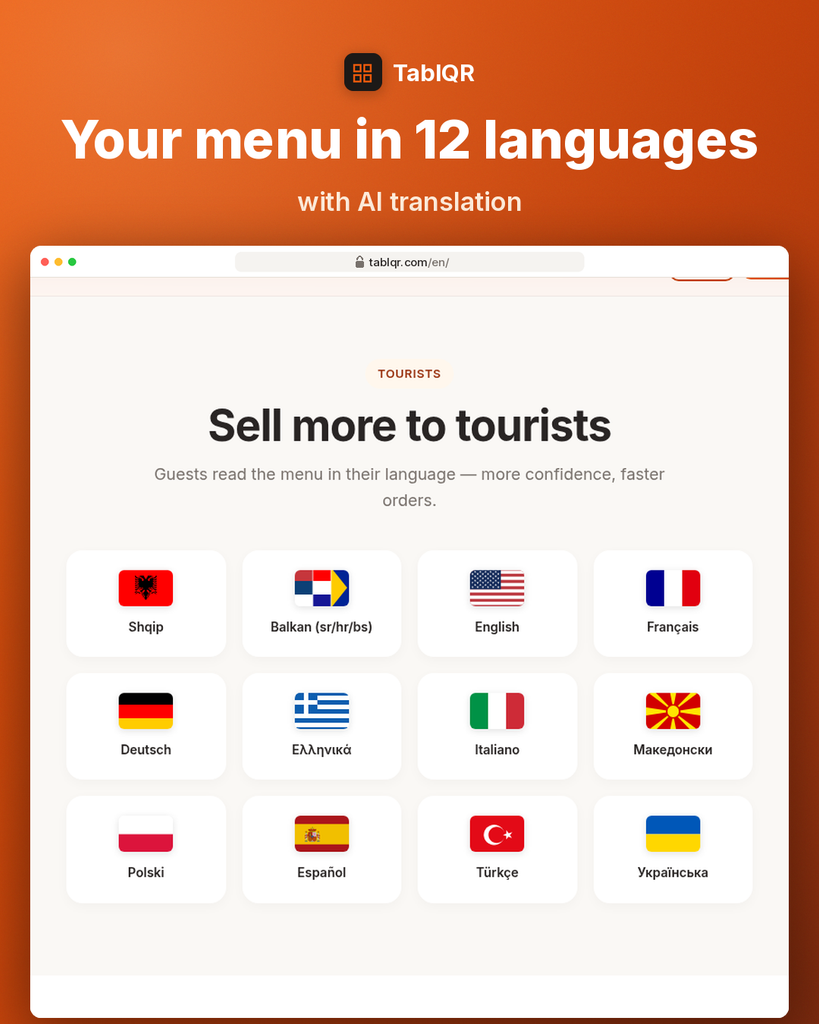
Your menu now speaks 12 languages
Speak your guests’ language
Your venue welcomes guests from all over the world, and not all of them read Albanian or English. When a guest can read your dishes in their own language, they feel more confident, ask fewer questions and order faster. That is why TablQR menus now support 12 languages.
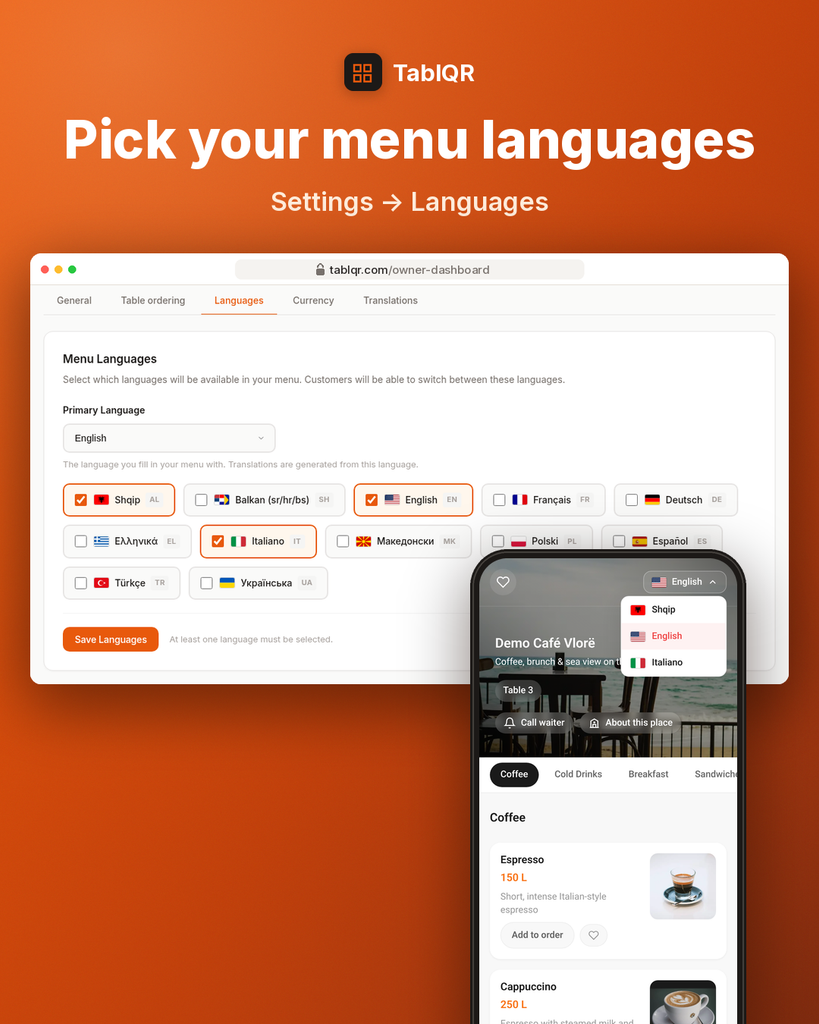
How to turn languages on
- Open your dashboard and go to Settings, then the Languages tab.
- Choose your primary language. This is the language you write your menu in.
- Tick the languages you want guests to see, then press “Save Languages”.
Guests then switch languages right in the menu with the flag button at the top, so everyone picks the one they are most comfortable with.
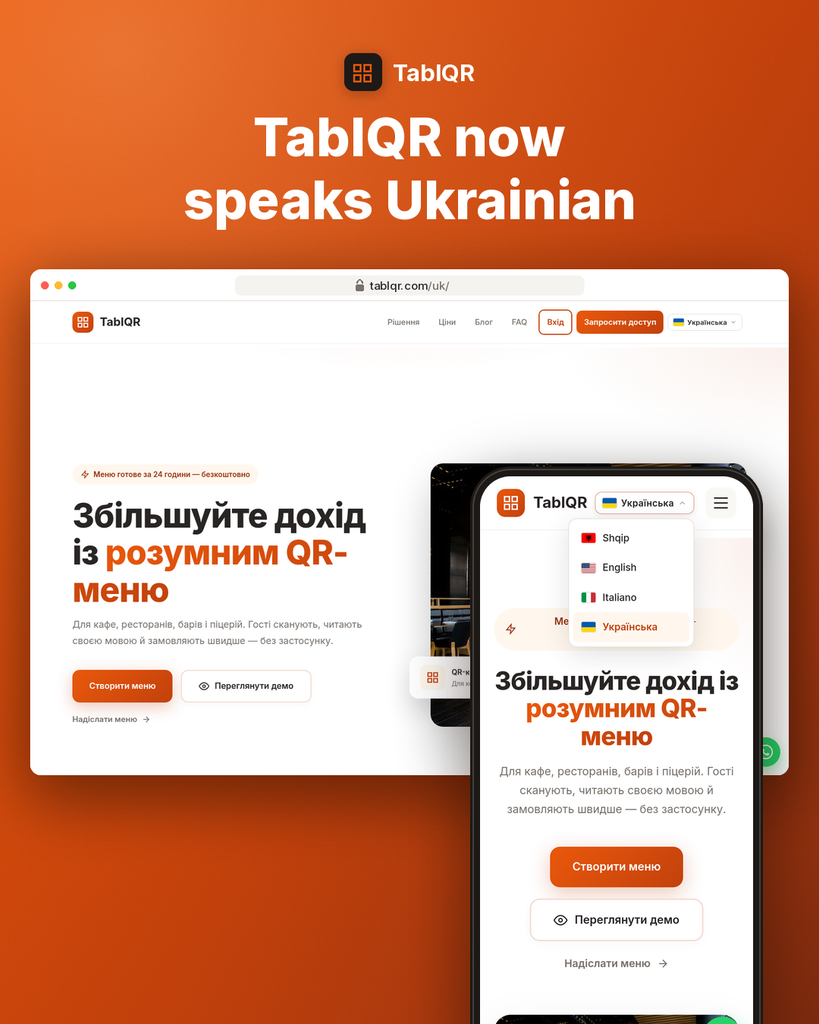
TablQR now speaks Ukrainian
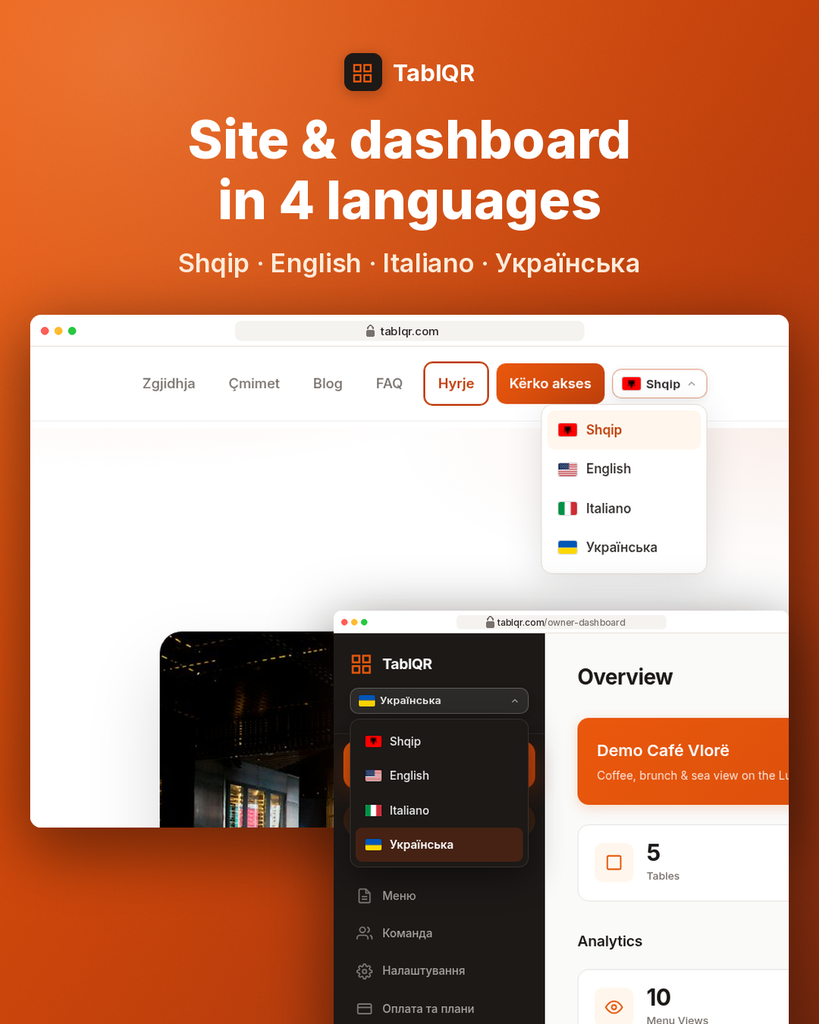
The TablQR website and owner dashboard now work in four languages: Shqip, English, Italiano and Українська. Pick yours from the language switcher at the top of the website or in the dashboard menu.
Try it today
Open Settings → Languages in your dashboard and turn on the languages your guests speak. Have a question? Write to us on WhatsApp.